

Streaming has become one of the most popular ways to enjoy entertainment. Whether it is movies, series, live sports, or music, people expect smooth playback, sharp visuals, and zero interruptions. Yet, many still deal with buffering, poor video quality, or lag at the worst possible moments.
The good news is that improving your streaming experience does not always require a complete overhaul. A few smart changes can make a noticeable difference in how everything looks and feels.
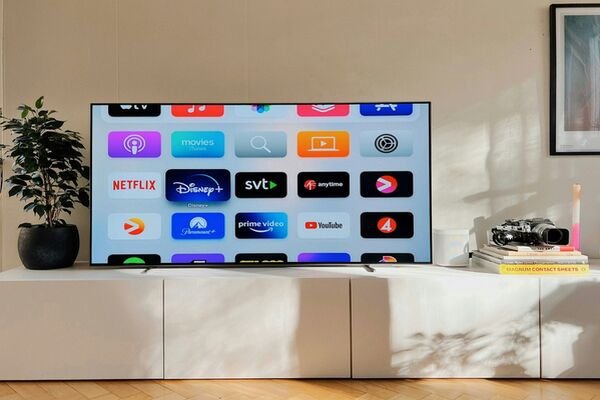
Source: Oscar Nord at Unsplash
1. Upgrade Your Internet Connection
Your internet connection is the backbone of your streaming setup. No matter how good your TV or device is, a slow or unstable connection will hold everything back. One of the most effective upgrades is switching to a faster and more reliable type of internet. Fiber connections are designed to handle high data demands, making them ideal for streaming in high definition or even 4K. If you are in an area where it is available, exploring options like fiber internet in Los Angeles can make a significant difference. With higher speeds and more consistent performance, streaming becomes smoother, even when multiple devices are in use.
2. Choose the Right Streaming Quality Settings
Many streaming platforms automatically adjust video quality based on your connection. While this can help prevent buffering, it may also result in lower resolution than your setup can handle. Checking your settings and manually selecting a higher quality can improve your viewing experience. Just make sure your internet connection can support it to avoid interruptions. Balancing quality and performance is key. If you notice buffering, slightly lowering the resolution can provide a smoother experience overall.
3. Optimize Your Wi-Fi Setup
Where you place your router matters more than most people think. Even if your internet plan is fast, if you have placed your signal in a poor area, it can lead to inconsistent streaming. Try positioning your router in a central location, away from walls or large obstacles. Reducing interference from other devices can also help maintain a stronger signal. For larger homes, consider using a mesh Wi-Fi system to ensure coverage in every room. This can eliminate dead zones and keep your connection stable throughout the house.
4. Use Wired Connections When Possible
While Wi-Fi is convenient, a wired connection is often more stable. Connecting your streaming device directly to your router with an Ethernet cable can reduce lag and improve consistency. This is especially useful for high-demand activities like 4K streaming or live broadcasts, where even small disruptions can affect the experience.
5. Keep Your Devices Updated
Outdated software can impact performance. Streaming apps and devices regularly receive updates that improve functionality and fix bugs. Make sure your smart TV, streaming stick, or gaming console is running the latest version. This simple step can prevent issues and ensure you are getting the best possible performance.
6. Limit Network Congestion
If multiple devices are using the internet at the same time, it can affect your streaming quality. Downloads, online gaming, and video calls all compete for bandwidth. Try to minimize heavy usage during important viewing times. Alternatively, upgrading your internet plan can provide enough capacity to handle everything at once without compromise.
7. Invest in Better Hardware
Sometimes the issue is not your connection but your device. Older TVs or streaming devices may struggle to keep up with modern content. Upgrading to a newer model that supports higher resolutions and faster processing can enhance both picture quality and responsiveness. Pairing good hardware with a strong internet connection creates a noticeably better experience.
Conclusion
A great streaming experience comes down to a combination of factors: your internet connection, device quality, and home setup. While small adjustments like optimizing Wi-Fi or updating devices can help, the biggest improvement often comes from upgrading your connection. With the right setup in place, streaming can go from occasionally frustrating to consistently seamless.